
Most enterprise data lives in unstructured formats. Emails, support tickets, legal contracts, and internal chat messages contain critical business instructions, yet they often require manual review before any automated action can occur. This bottleneck slows down operations, increases reliance on human data entry, and creates frustrating delays for both employees and customers.
This is where Natural Language Processing in workflow engines changes the operational landscape. By embedding advanced language models into process automation, organizations can finally bridge the gap between human communication and machine execution. Instead of forcing users into rigid web forms, modern systems read, interpret, and act upon natural text.
In this guide, we will explore how NLP transforms traditional business process automation into an intelligent, conversational, and highly scalable operation. From intent recognition to autonomous AI agents, we will cover the architecture, real-world applications, and implementation strategies required to succeed with intelligent workflow automation.
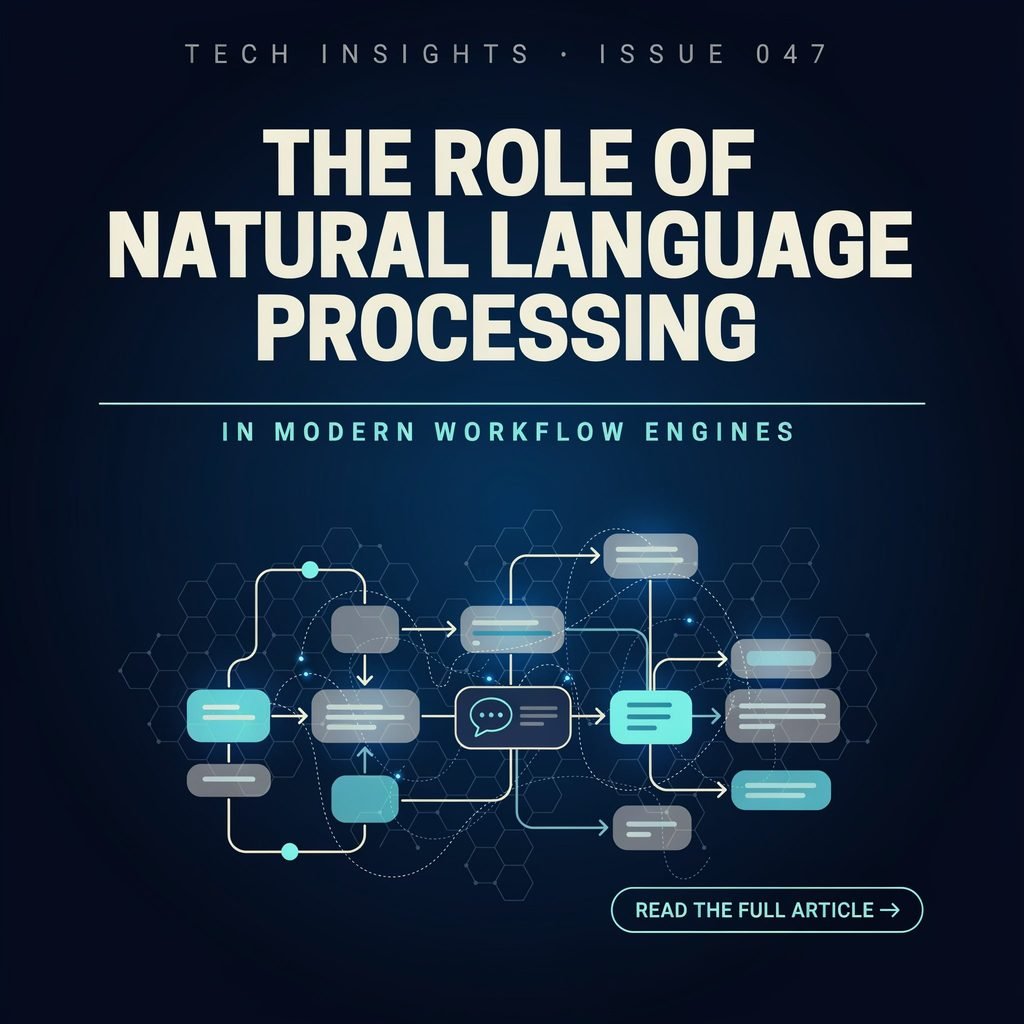
What Is a Modern Workflow Engine?
A workflow engine is the central nervous system of business process automation. It automates business processes by routing tasks, applying predefined rules, triggering integrations with other software, and orchestrating complex approval chains. When an employee submits a paid time off request, the workflow engine automatically notifies the manager, updates the HR database, and alerts the payroll system.
Traditional engines rely entirely on structured inputs. They need a user to select a dropdown, check a box, or fill out a specific form field to trigger the next step in the process. The system acts as a rigid track that only accepts specific types of data in specific formats.
However, much of business communication does not happen through structured forms. It happens through free-text emails, voice memos, Slack messages, and PDF attachments. A standard workflow engine cannot process an email that says, “I need to order fifty new laptops for the engineering team by next Friday.” It lacks the semantic understanding required to know what the user actually wants. This is where intelligent process automation steps in.
What Is Natural Language Processing?
Natural Language Processing (NLP) is a branch of artificial intelligence that enables computers to understand, interpret, and generate human language. NLP algorithms break down text or voice input into grammatical structures, identify key terms, and determine the underlying meaning behind the words.
In the context of enterprise automation, NLP allows workflow engines to understand human language in emails, chat messages, support tickets, contracts, forms, voice input, and documents. Instead of treating an incoming email as a block of raw, meaningless text, an NLP-enabled system breaks it down into actionable, structured data points.
It identifies who is asking for something, what they are asking for, the urgency of the request, and the specific entities involved. This capability turns unstructured text into structured, machine-readable data. By doing so, NLP eliminates the need for manual data translation, allowing the workflow engine to act on human communication immediately.
How NLP Connects Human Language to Automated Workflows
The primary function of NLP workflow automation is to transform unstructured language into structured workflow data. When an unstructured input enters the system, the NLP layer intercepts it before it reaches the traditional rule engine.
First, the system analyzes the text for intent. Is this a complaint, an order, a status inquiry, or an access request? Once the intent is classified, the system performs entity extraction to pull out specific details, such as product names, dates, monetary values, or account numbers.
These extracted data points are then mapped to the corresponding fields in the workflow engine. The engine takes over from there, applying business rules to route the request, assign tasks to the correct department, and trigger downstream integrations. This seamless handoff is what makes AI-powered workflow automation so valuable for operations managers.
Key NLP Capabilities in Workflow Engines
To effectively process unstructured data, workflow engines rely on a suite of specialized NLP capabilities.
- Intent recognition: Identifying the user’s goal. For example, distinguishing between a request to reset a password and a request to unlock an account.
- Entity extraction: Pulling specific data points like dates, names, and product codes from a block of text.
- Text classification: Categorizing incoming documents or messages into predefined buckets, such as “Invoice,” “Contract,” or “Support Escalation.”
- Sentiment analysis: Evaluating the emotional tone of a message to prioritize angry customers or flag urgent compliance issues.
- Language detection: Automatically identifying the language of an incoming email to route it to the appropriate regional support team.
- Summarization: Condensing long legal contracts or lengthy support histories into brief executive summaries for human reviewers.
- Named entity recognition (NER): A specific subset of entity extraction focused on identifying proper nouns, such as company names, locations, and personnel.
- Document parsing: Extracting structured data from complex layouts like PDF invoices or scanned forms using intelligent document processing techniques.
- Natural language querying: Allowing users to ask questions like “What is the status of my expense report?” instead of navigating through a dashboard.
- Conversational task creation: Using chatbot workflows to build out complex process steps through simple back-and-forth dialogue.
Traditional Workflow Automation vs. NLP-Enabled Automation
Understanding the difference between traditional rule-based systems and intelligent process automation is crucial for evaluating digital transformation initiatives.
| Capability | Traditional Workflow Engine | NLP-Enabled Workflow Engine |
|---|---|---|
| Input type | Structured forms and predefined fields | Emails, chats, documents, voice, and free-text requests |
| Routing | Static rules | Intent-based and context-aware routing |
| Data extraction | Manual or template-based | Automated entity extraction and classification |
| User experience | Menu-driven | Conversational and natural-language driven |
| Scalability | Limited by predefined rules | Adapts to varied language and unstructured data |
While traditional engines require users to adapt to the system’s rigid structure, NLP-enabled engines adapt to the user’s natural communication style. This shift dramatically reduces friction and increases adoption rates across the organization.
Real-World Use Cases of NLP in Workflow Engines
Implementing Natural Language Processing in workflow engines yields tangible benefits across various departments. Here are nine detailed examples of natural language processing examples in enterprise environments.
1. Customer Support Ticketing
When a customer sends a lengthy email detailing a technical issue, NLP analyzes the text to determine the product involved, the specific error code mentioned, and the customer’s frustration level. The workflow engine automatically tags the ticket, routes it to the Tier 2 technical support queue, and drafts a preliminary empathetic response acknowledging the issue.
2. HR Onboarding and Helpdesk
New hires often have dozens of questions regarding benefits, payroll, and IT setup. Conversational AI workflows field these questions in real-time. If an employee types, “I need to update my direct deposit information,” the NLP system triggers the specific payroll update workflow, providing a secure link to the required form without requiring a human HR representative to intervene.
3. Finance and Accounts Payable
Accounts payable departments receive thousands of invoices in varying formats. Intelligent document processing parses these PDFs, extracts the vendor name, invoice number, line items, and total amount. The workflow engine then matches this data against purchase orders and automatically schedules the payment if the figures align.
4. Procurement and Vendor Management
Procurement teams use natural language querying to check inventory levels or supplier statuses. A manager might ask a chatbot, “Show me all pending hardware orders from Supplier X.” The NLP layer translates this into a complex database query, retrieves the data, and formats it into a readable report.
5. Legal Contract Review
Legal departments use NLP for initial contract triage. When a non-disclosure agreement arrives, the system scans the document to identify governing law, indemnity clauses, and auto-renewal terms. It highlights high-risk clauses and routes the document to the appropriate senior attorney for final review, saving hours of manual reading.
6. IT Service Management (ITSM)
In IT service management, technicians use voice input to log incidents while working on-site. A technician might dictate, “The server in rack 4B is overheating and needs a hardware reset.” The NLP engine transcribes the audio, extracts the location and the issue, creates an incident ticket, and dispatches a facilities team member to check the cooling systems.
7. Sales Lead Qualification
When a prospect sends an unstructured inquiry via a website contact form or email, NLP analyzes the company size, budget mentions, and product interests. The workflow engine automatically scores the lead and routes high-value prospects directly to an enterprise account executive while placing others in an automated nurture sequence.
8. Healthcare Administration
In medical settings, NLP transcribes doctor-patient interactions and extracts diagnostic codes, automatically updating electronic health records and triggering insurance pre-authorization workflows without manual typing.
9. Supply Chain Operations
Logistics managers receive daily email updates from global shipping partners. NLP parses these unstructured status updates, extracts new estimated arrival times, and automatically updates the inventory management system to adjust downstream production schedules.
Benefits of NLP-Driven Workflow Automation
Adopting an AI workflow engine provides several strategic advantages.
- Faster task routing: Messages are instantly analyzed and sent to the correct department, eliminating manual triage.
- Reduced manual data entry: Employees spend less time copy-pasting information from emails into CRM or ERP systems.
- Improved customer experience: Faster response times and sentiment-aware prioritization lead to higher satisfaction rates.
- Better decision-making: Process mining on NLP logs reveals hidden bottlenecks and common user intents that traditional forms miss. This data is invaluable for continuous workflow optimization.
- Lower operational costs: Automating the handling of unstructured data reduces the need for large administrative and triage teams.
- Scalable automation: The system can handle massive spikes in email or chat volume without requiring proportional increases in headcount.
How NLP Works With RPA, AI Agents, and Low-Code Platforms
NLP does not operate in a vacuum; it is a core component of broader hyperautomation strategies.
When paired with Robotic Process Automation (RPA and NLP), the combination handles end-to-end processes. NLP extracts the data from a messy, unstructured email, and RPA acts as the “hands,” logging into a legacy mainframe to input that data into older systems that lack modern APIs.
Low-code automation platforms allow business users to drag and drop NLP components into their workflows. A user can configure an intent classifier without needing a background in machine learning, democratizing AI-powered workflow automation.
AI agents take this a step further. Instead of just routing a task, an autonomous AI agent can execute multi-step processes, reason through complex problems, and interact with users conversationally to resolve issues entirely on its own.
Finally, Large Language Models (LLMs) provide the deep semantic understanding required for complex document parsing and nuanced intent recognition, while traditional workflow orchestration ensures these AI outputs are executed reliably and securely within enterprise guardrails.
Challenges and Risks of NLP in Workflow Automation
Despite its benefits, deploying NLP requires careful planning to mitigate several risks.
- Data privacy and compliance: Processing customer emails and internal contracts through AI models raises concerns about data exposure, especially in healthcare (HIPAA) or finance (GDPR, CCPA).
- Model accuracy and hallucination risks: Generative AI models can confidently produce incorrect information or take unauthorized actions if not properly constrained by deterministic workflow rules.
- Integration complexity: Connecting modern NLP APIs with legacy on-premise systems can create brittle architectures that require constant maintenance.
- Handling multiple languages and industry terminology: Generic models often struggle with highly specialized jargon or multi-lingual support queues, requiring custom model training.
- Human-in-the-loop review: Critical decisions, such as denying a loan or rejecting an insurance claim, still require human oversight to prevent automated bias and errors.
- Change management: Employees may resist adopting conversational workflows if the system frequently misunderstands their requests, leading to frustration and workarounds.
Implementing Natural Language Processing in Workflow Engines
For IT leaders and operations managers, adopting NLP requires a structured approach.
- Audit existing workflows: Identify processes heavily reliant on unstructured inputs like emails, PDFs, or phone calls. Look for high-volume, repetitive triage tasks.
- Define intents and entities: Map out exactly what the system needs to understand. Create a taxonomy of user intents and the specific data fields required to trigger the automation.
- Select the right models: Decide between lightweight, task-specific machine learning models for simple routing, or enterprise-grade Large Language Models for complex document parsing and generation.
- Build and test integrations: Connect the NLP layer to your existing workflow automation software. Test edge cases, such as misspellings, slang, or incomplete requests.
- Implement human-in-the-loop safeguards: Configure confidence thresholds. If the NLP model is less than 90% confident in its classification, route the task to a human reviewer.
- Deploy, monitor, and iterate: Launch the workflow in a controlled environment. Continuously monitor the system’s accuracy, retraining models as user language and business processes evolve.
How to Choose an NLP-Enabled Workflow Automation Platform
When evaluating workflow automation software, consider these critical criteria.
- Integrations: The platform must easily connect to your existing CRM, ERP, and communication tools.
- Security and AI Governance: Ensure the vendor provides strict data privacy controls, audit trails, and options to prevent proprietary data from being used to train public models.
- Low-code usability: Operations teams should be able to adjust routing rules and intent dictionaries without waiting on software developers.
- Document-processing capabilities: Look for robust intelligent document processing features that handle varied layouts, tables, and handwriting.
- Analytics and Process Mining: The system should provide insights into which intents are most common and where the NLP model is failing.
- Scalability: The architecture must support high volumes of concurrent text and voice processing without latency.
- Support for human review: The platform must seamlessly escalate tasks to human queues when the AI encounters ambiguity.
The Future of NLP and Intelligent Workflow Orchestration
The intersection of language models and workflow engines is rapidly evolving. We are moving from simple task automation toward fully autonomous workflow orchestration.
Future systems will rely heavily on AI agents that act as digital coworkers. These agents will not just process text; they will negotiate with vendors via email, schedule meetings based on conversational context, and independently resolve complex IT incidents.
As LLMs become more efficient and specialized, enterprise automation will shift away from rigid process maps toward goal-oriented workflows. You will simply tell the system, “Process the monthly payroll and handle any discrepancies,” and the AI agents will plan and execute the necessary sub-tasks dynamically.
This shift represents the next major phase of digital transformation, where language models transition from a helpful utility to the primary interface for all business operations.
Frequently Asked Questions (FAQs)
1. What is the primary role of NLP in workflow automation?
NLP bridges the gap between human communication and machine execution by translating unstructured text, voice, and documents into structured data that workflow engines can process and route automatically.
2. Can NLP completely replace human workers in business processes?
No. NLP is best used to handle repetitive triage, data extraction, and initial routing. Complex decision-making, empathy-driven customer service, and high-stakes approvals still require human oversight.
3. How does NLP differ from traditional OCR?
Traditional Optical Character Recognition (OCR) simply converts images of text into machine-readable text. NLP goes further by understanding the context, intent, and meaning behind that text to trigger specific business actions.
4. Is my company’s data safe when using NLP workflow tools?
Enterprise-grade workflow platforms offer strict AI governance, private cloud hosting, and data masking to ensure sensitive information is not used to train public models and remains compliant with industry regulations.
5. What is the best way to start implementing NLP workflows?
Start small. Identify a single, high-volume process—like IT password resets or invoice triage—that relies heavily on unstructured emails or tickets, and automate that workflow before expanding to more complex operations.
Conclusion
The days of forcing employees and customers to navigate rigid, menu-driven forms are coming to an end. By integrating Natural Language Processing in workflow engines, organizations can finally automate the massive volume of unstructured data that drives their daily operations. From faster task routing and reduced manual entry to sophisticated AI agents capable of complex reasoning, NLP represents a critical leap forward in business process automation.
To remain competitive, IT leaders and operations managers must evaluate their existing processes for automation opportunities. Identify the unstructured bottlenecks in your organization, select an intelligent platform with strong governance guardrails, and begin building workflows that understand your business exactly as it is spoken and written.